
Appearance
Store info
An address-and-map block for a warehouse, pickup counter, or showroom. The left card holds contact details; the right side shows a map or a fallback image. It stacks on mobile.
Add the Store info section and fill in the Content fields. Each row in the card — Address, Hours, Phone, Email — hides when its field is blank, so leave out anything that doesn't apply.
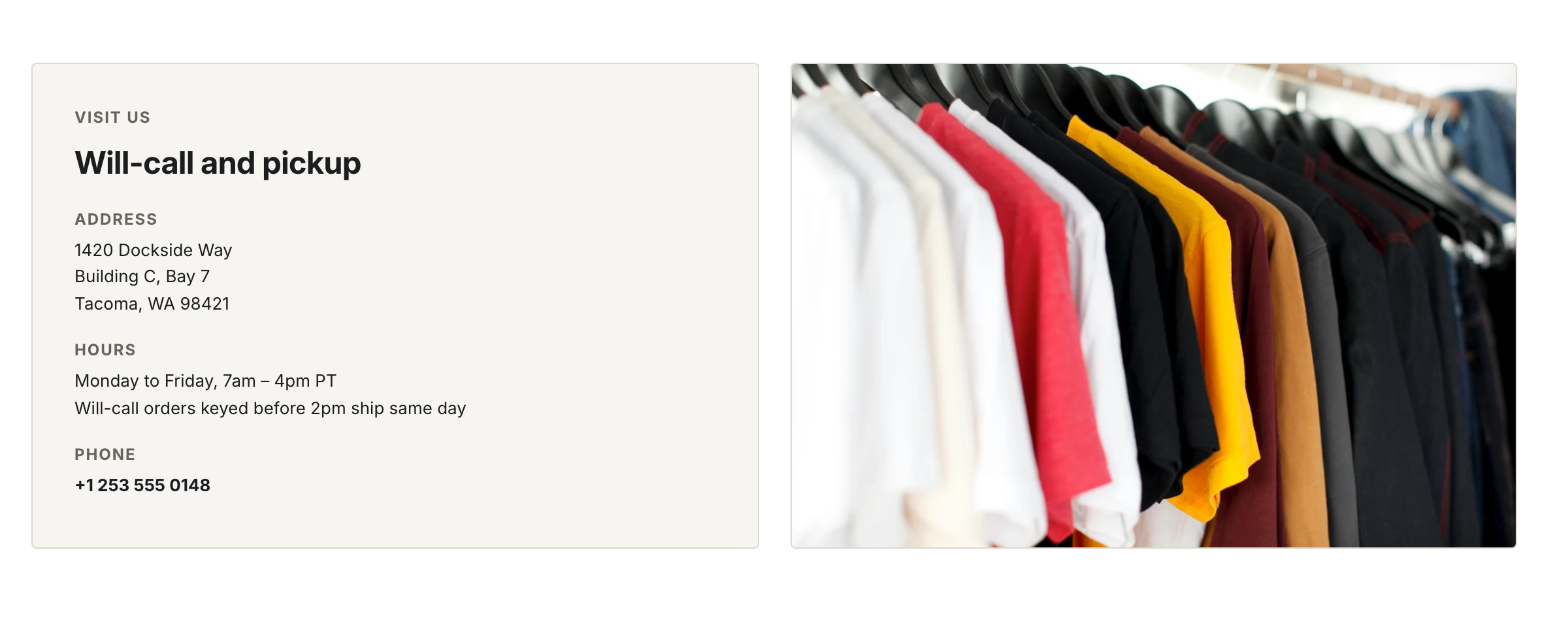
With no map URL set, the right panel shows the fallback image. The Email row is hidden because the field is blank.
For the map, paste an embed URL under Map. Open Google Maps, choose Share → Embed a map, and copy the src URL from the embed code into Map embed URL. When that field is blank, the section shows the Fallback image instead.
Settings
| Setting | What it does |
|---|---|
| Heading | Card title. |
| Address | Street address (rich text). Row hides when blank. |
| Hours | Opening hours (rich text). Row hides when blank. |
| Phone | Shown as a click-to-call link. Row hides when blank. |
| Shown as a mailto link. Row hides when blank. | |
| Map embed URL | Google Maps embed src. Leave blank to use the fallback image. |
| Fallback image | Shown when no map embed URL is set. |
| Color scheme | Section background and text colors. |