
Appearance
Hero
A two-column banner: heading, copy, and buttons on the left, an image on the right. It suits a single fixed message where the rotating carousel would be too much. Reach for it on landing pages or below the fold on the homepage.
Add it under Add section → Hero. All of its settings live at the section level — there are no blocks.
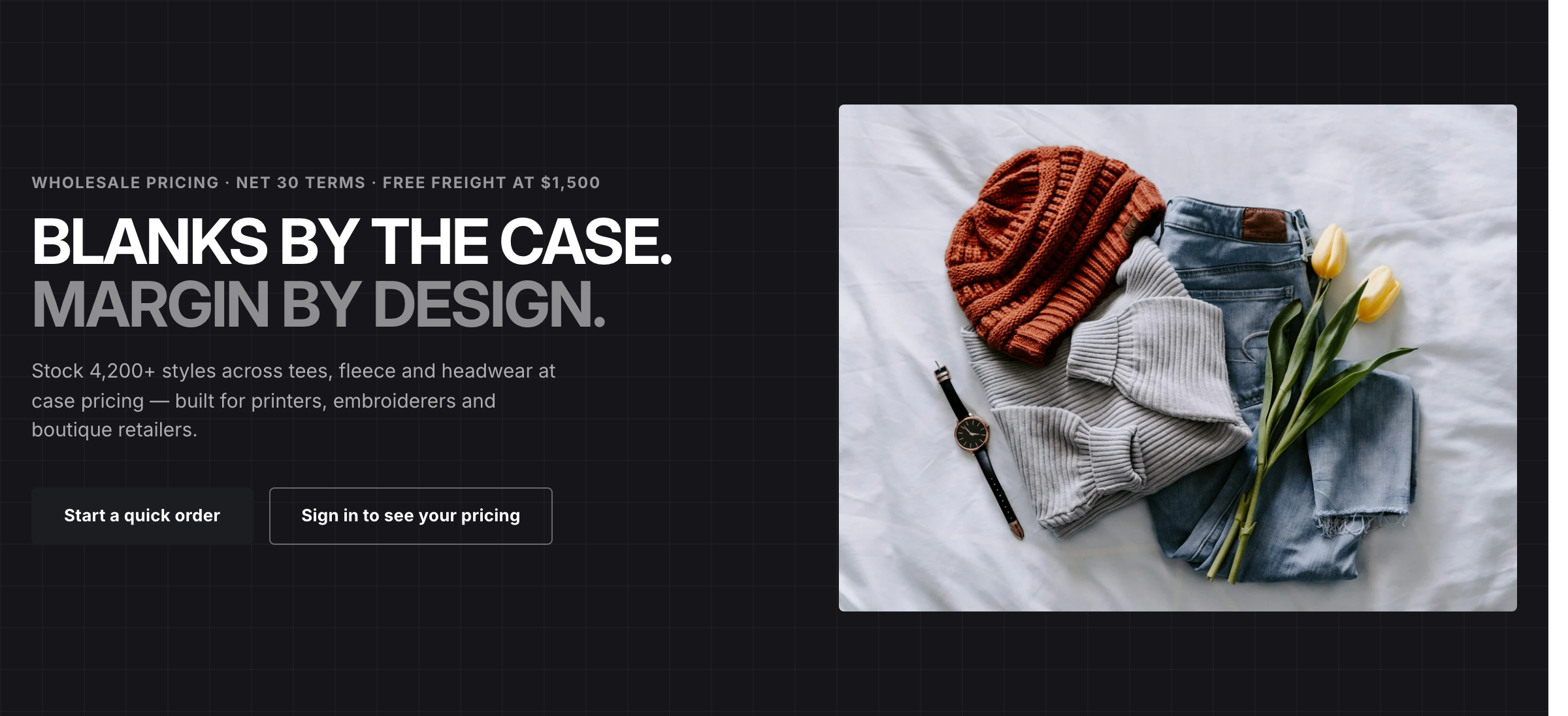
The Hero section as the demo homepage uses it.
Content
- Set the Eyebrow — a short label above the heading.
- Write the Heading. Wrap words in italics to lighten them toward the accent color against the dark background.
- Add the Text below the heading.
- Fill in Button label and Button link for the primary button, and Secondary button label and Secondary button link for the outline button beside it. Each button needs both a label and a link to show.
Note
The heading is the page's <h1> only when this is the first section on the homepage. Everywhere else it's an <h2>, so the page keeps a single H1.
Layout
Background image fills the right-hand column. Leave it blank and that column shows a diagonal-stripe placeholder instead. On screens narrower than 860px the image column drops away and only the text remains.
Height sets the banner's minimum height: Small, Medium, or Large. Top padding and Bottom padding adjust the space above and below the content, from 0 to 96px.