
Appearance
Featured product
A single-product spotlight with the media gallery on one side and a procurement-style info column on the other — vendor, SKU, price, a short description, and add-to-cart.
Add the Featured product section and pick a Product under Content. Before you pick one, the section shows a placeholder.
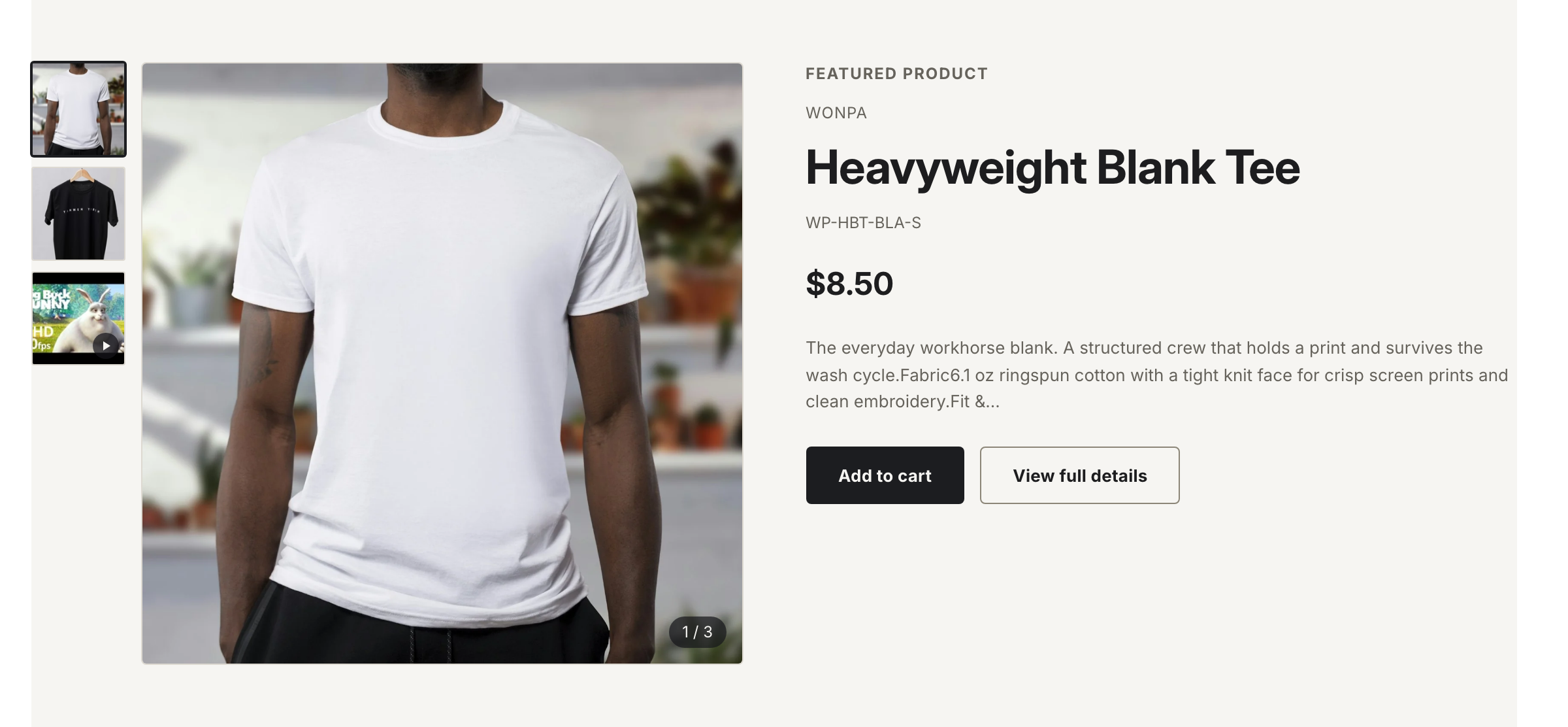
The info column reads vendor, SKU and price straight from the product. The info column pulls the vendor, SKU, price, and description straight from the product.
Settings
| Setting | What it does |
|---|---|
| Product | The product to feature. |
| Show vendor | Show the product's vendor above the title. |
| Show SKU | Show the current variant's SKU. |
| Color scheme | Section background and text colors. |
Login-gated pricing
When login-gated pricing is on and the visitor is signed out, the price and the add-to-cart button are replaced with a sign-in prompt. See Login-gated wholesale pricing.