
Appearance
Contact form
A wholesale inquiry form built on Shopify's contact form. It collects the buyer's details and message, then emails the submission to your store. The theme adds B2B fields on top of the standard name, email, and message.
The form ships on the contact page template, and you can add it to any page. Set a Heading and Subtext to introduce it, or leave both blank to use the default title.
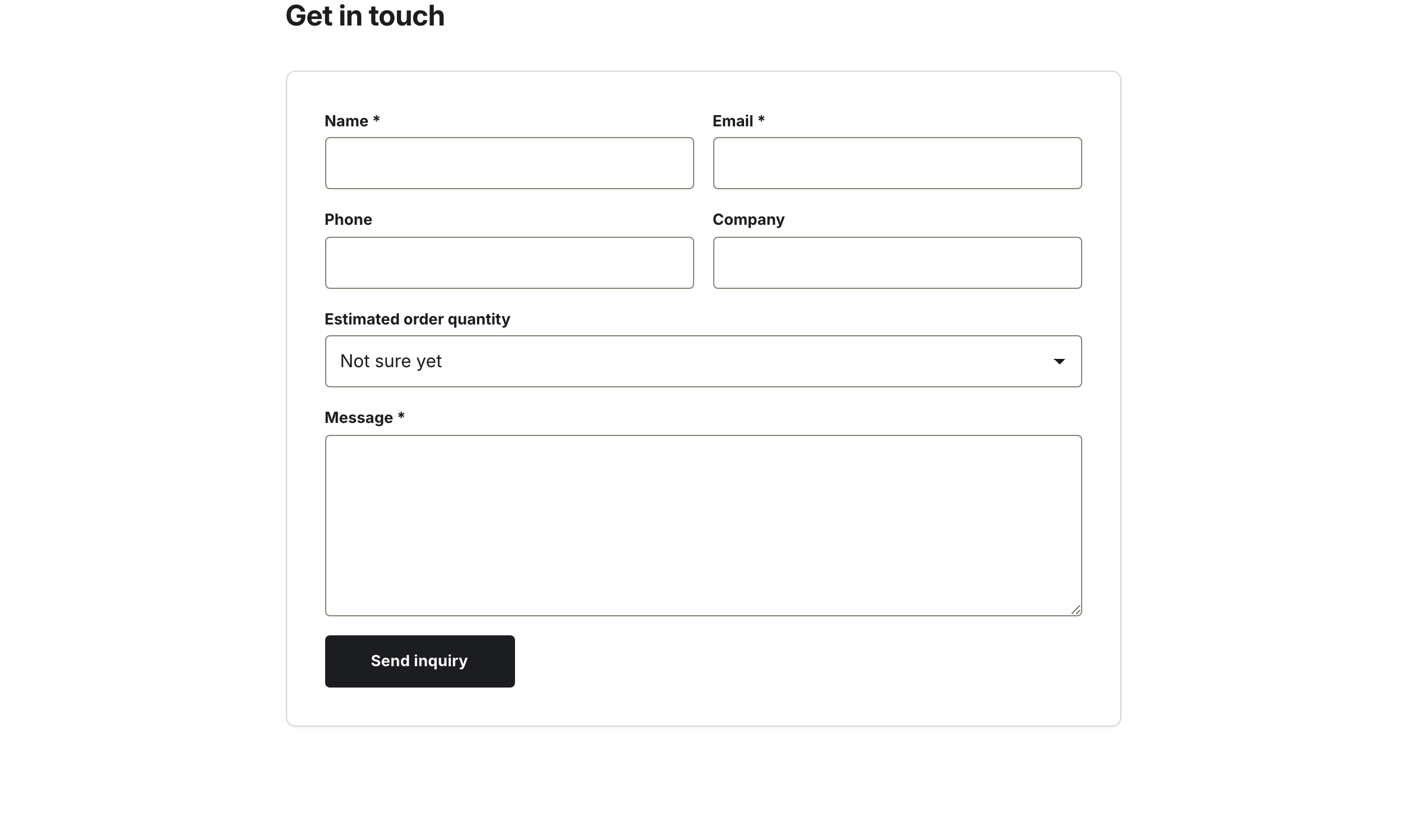
The B2B fields — phone, company, and estimated order quantity — sit between the standard ones.
Fields
The form has a fixed set of fields:
- Name — required.
- Email — required.
- Phone — optional.
- Company — optional. Prefilled for signed-in B2B customers.
- Estimated order quantity — a dropdown of size bands.
- Message — required.
Where submissions go
Each submission is sent through Shopify's built-in contact form. Shopify emails it to the store contact email set in your Shopify admin under Settings → Store details. There's no separate inbox in the theme.
Settings
| Setting | What it does |
|---|---|
| Heading | Title above the form. Falls back to a default when blank. |
| Subtext | Intro line under the heading. |
| Color scheme | Section background and text colors. |