
Appearance
Category tiles
A compact grid of collection tiles, each showing the collection image (or a built-in icon), its name, and its product count. Use it to route buyers into the main product categories from the homepage.
Add the Category tiles section, set the Heading, then add up to 12 Collection blocks. In each block, pick a Collection.
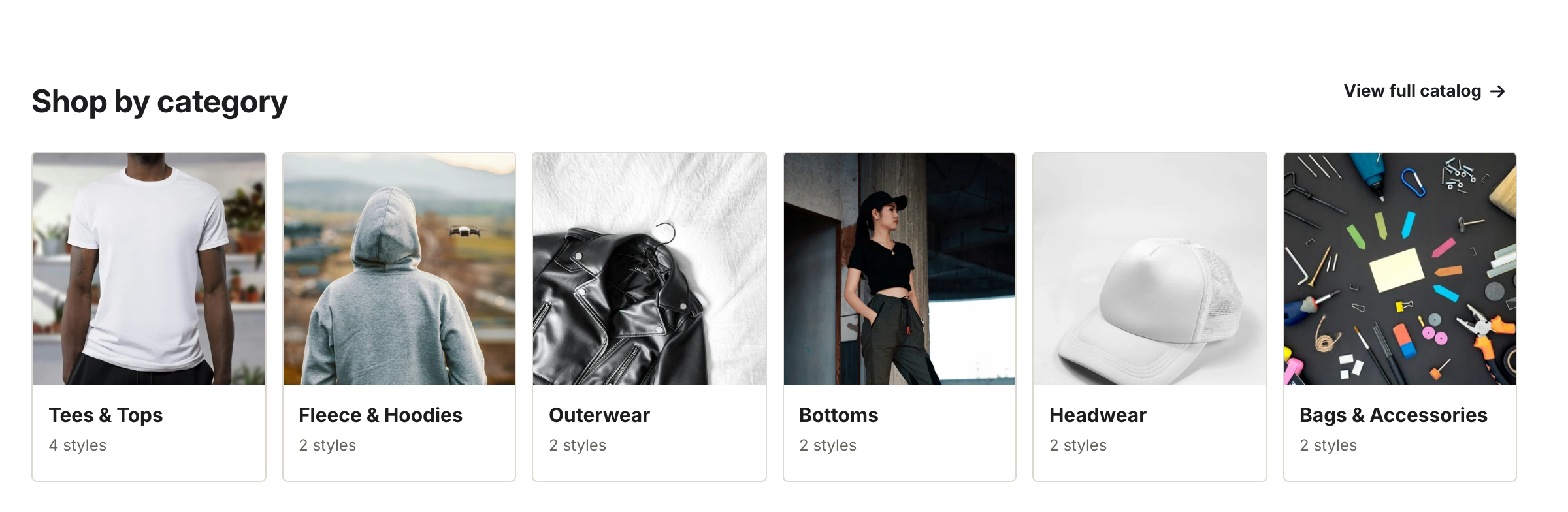
Six Collection blocks, with the heading and a catalog link above them.
When a collection has a featured image, the tile uses it. When it doesn't, the tile falls back to the block's Icon — T-shirt, Hoodie, Jacket, Pants, Cap, Bag, Box, Bottle, Jar, or Bolt. It ships set to T-shirt.
Note
The icon only shows when the collection has no image. Pick the icon that matches the category so the fallback still reads clearly.
Settings
| Setting | What it does |
|---|---|
| Heading | Section title. |
| "View all" link | Optional link shown next to the heading. |
| Color scheme | Section background and text colors. |
Block settings:
| Setting | What it does |
|---|---|
| Collection | The collection the tile links to. |
| Icon | Fallback icon shown when the collection has no image. |